

What worked on paper didn't always work at classroom scale.
The challenge was improving visibility and interaction on large displays while preserving the instructional intent teachers depended on.
NDA protected
Branding and proprietary content have been modified or omitted for portfolio use.


the challenge
A classroom view has a different job to do.
Screen size limitations
Dense layouts
Print pages were information heavy with long passages, multiple callouts, and complex visuals.
High cognitive load and difficult scanning while teaching.
Legacy platform limits
We had to work within existing architecture, components, and publishing rules.
Limited flexibility in layout, interactions, and new patterns.
Teacher expectations
The experience has to feel familiar and maintain the instructional flow teachers already knew.
Any disruption risked adoption and teacher confidence.
02
Process
Creating structure within constraints.
03
the Solution
Designed for the screen, without losing what matters.
01
Prioritized Hierarchy
Emphasized the most important content and sized it for readability at a distance.
02
Progressive Disclosure
Information is revealed progressively to reduce cognitive load and clutter.
03
Consistent Patterns
Reusable layouts and components reduced learning friction and improved teaching flow.
04
Instructional fidelity
By preserving the pedagogy, sequence, and teacher control, the learning experience remained trusted and effective.
04
Screens in Context

Prioritized Hierarchy
Clear visual hierarchy keeps focus on instruction first.

Progressive Disclosure
Additional supports appear only when needed.
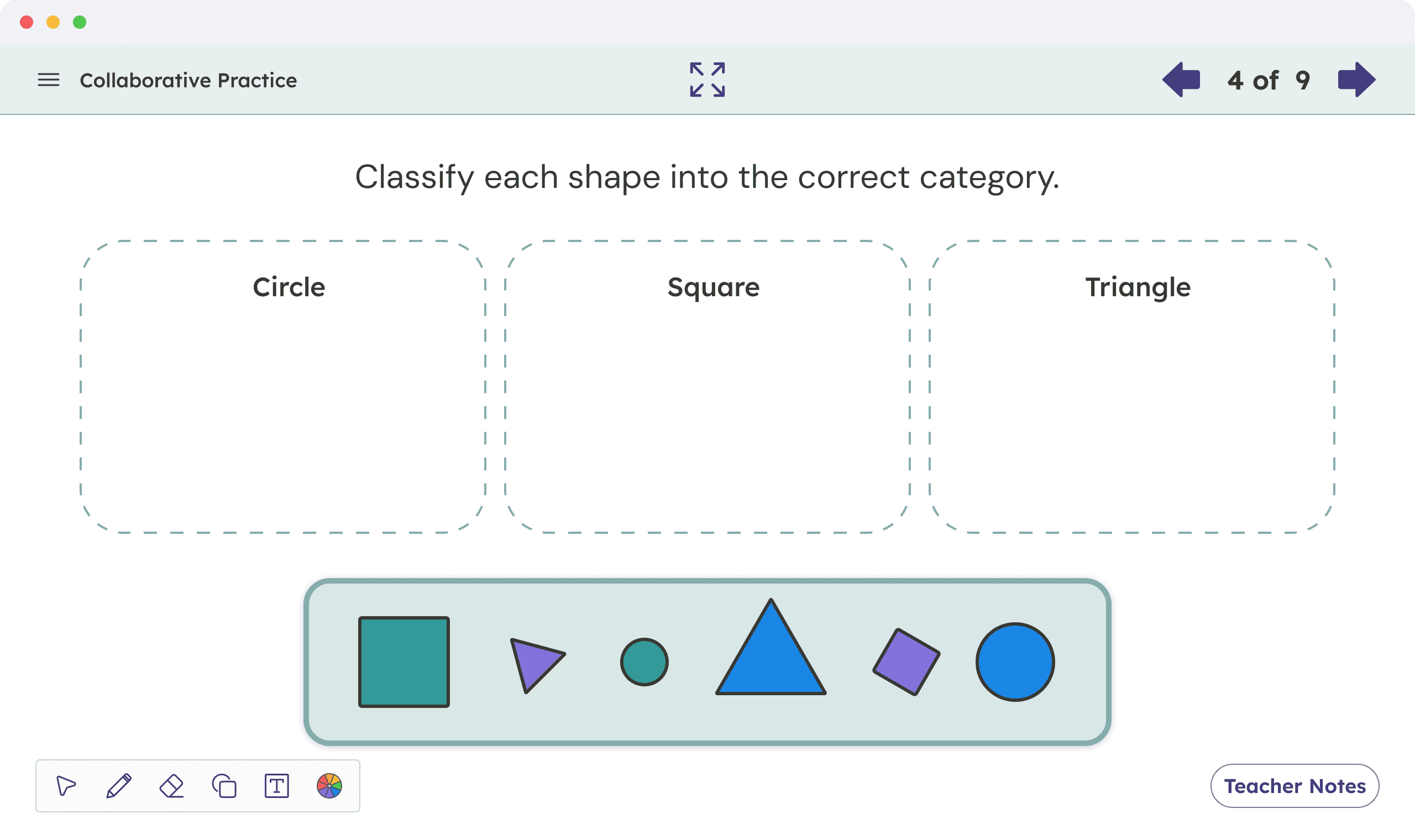
Consistent Patterns
Shared layouts reduce learning friction across lessons.

Instructional Fidelity
Classroom workflows remained aligned with existing teaching practices.
05
Metrics are representative and rounded to protect confidential information.
95%
When surveyed, teachers noted a significant increase in lesson clarity and efficiency.
Easier to Scan at a Classroom Scale
Clear visual hierarchy and simplified layouts help teachers identify key content quickly during instruction.
Reduced Navigation Friction
Reusable layouts and predictable patterns reduced the time spend navigating and finding content.
The redesign preserved familiar instructional workflows while improving readability and classroom usability across screen types.
06
Reflection
This project deepened my understanding of how product design decisions directly shape usability, readability, and interaction flow in real environments. It reinforced how usable, well-structured technology can improve classroom visibility, support smoother instruction, and create a better experience for both teachers and students.
Stronger Focus on Hierarchy
Clear hierarchy is essential when content is viewed from a distance. I’ll continue testing scale, spacing, and contrast to reduce cognitive load.
Prioritize Usability in Context
Designing for large screen instruction highlighted how hierarchy, spacing, and interaction patterns directly influence usability in classroom environments.
Consistency drives confidence
Shared layouts and predictable workflows created a more seamless instructional experience while helping teachers stay focused on teaching rather than navigating the interface.